3 Essential Deployment Environments For Your WordPress Marketing Website
Why use several copies of a website when you only need one live site? I’d start with what happens when a change goes wrong. A plugin update can break your contact form, or a new page layout can hide the button your paid traffic needs. If everyone makes changes on the public site, your customers become the test audience. Separate copies give your team room to build, review, and approve changes before visitors see them.
Your marketing team still needs to launch campaigns, update pages, and publish content without waiting on a developer for every edit. I wouldn’t treat a typo fix like a site rebuild. But changes to themes, plugins, forms, or shared page layouts deserve more care. Each environment has a purpose. I recommend matching your checks to the risk.
Customer Facing Marketing Websites
Your WordPress setup should grow with the business that depends on it. A small site with light traffic, one editor, and a tight budget may start with one live environment. For routine posts and text edits, drafts and previews can provide enough room to review content before publishing it. That doesn’t mean every website change belongs on the live site.
Drafts protect unpublished content, but they don’t isolate changes to plugins, theme code, or shared site settings. With page builders or Advanced Custom Fields (ACF), check which changes your preview includes and whether saving them affects other live pages. A page preview isn’t a test copy of the whole website. If you have to make a change directly on a small live site, take a backup first, choose a quiet period based on your traffic, and have someone available to check it and restore service. That might be a weekend, but a quiet calendar slot doesn’t remove the risk.
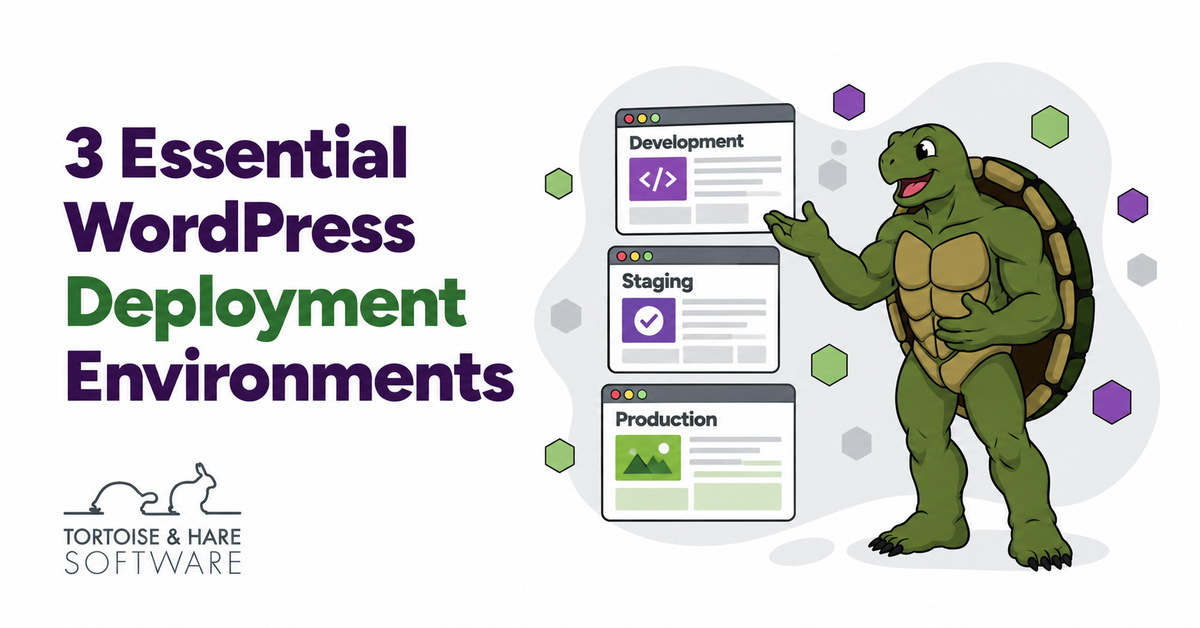
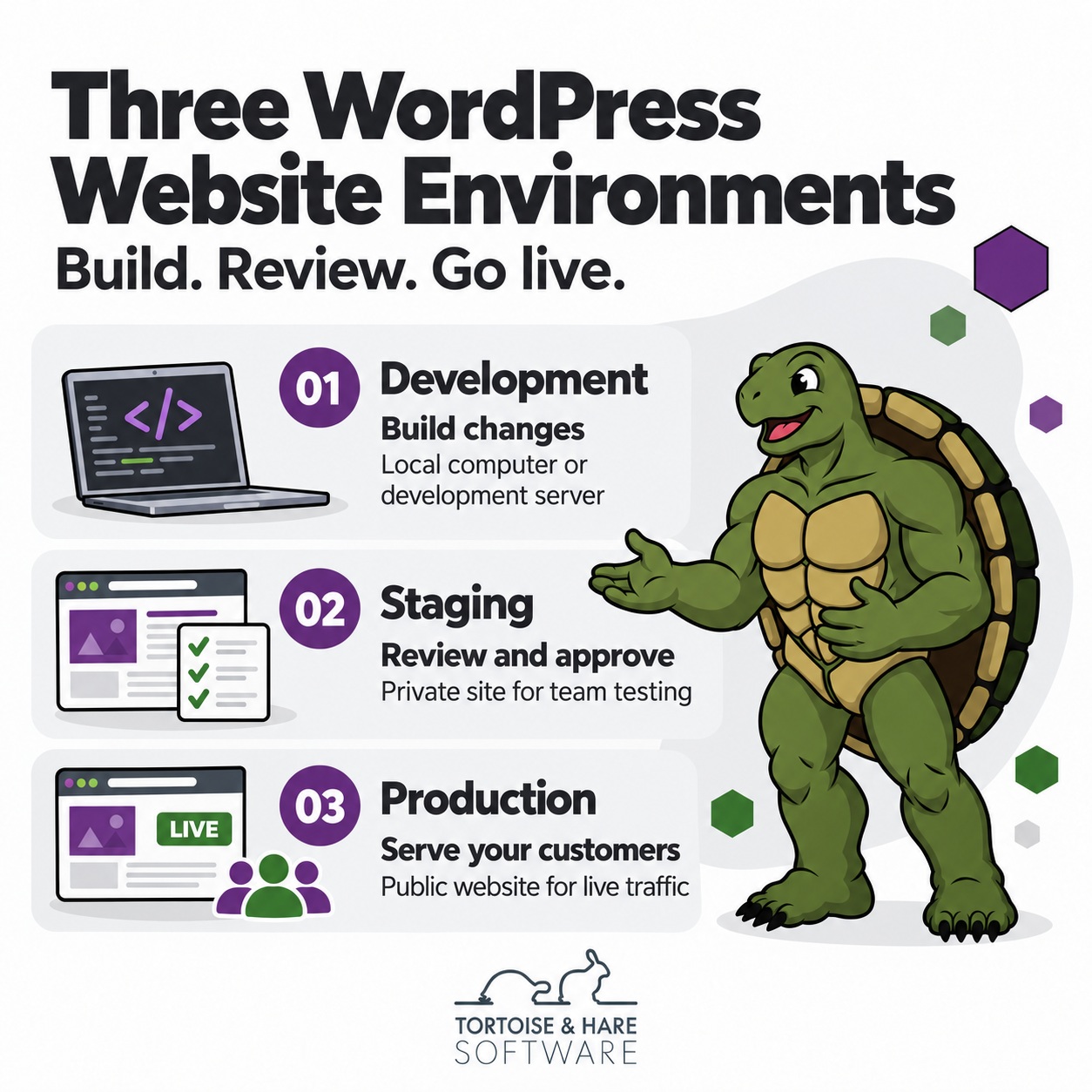
As traffic grows, more people contribute, or the site becomes a bigger source of leads, I recommend separating three roles: a place to build, a place to review, and a live site. Think of it as a workshop, a final inspection, and a shop that’s open for business. Even a low-traffic site can deserve that setup if one lost enquiry is valuable. The cost of a failed change, not traffic alone, should guide the decision.
Those three roles remain useful, although WordPress recognizes four environment types: local, development, staging, and production. Local usually means a copy running on a developer’s computer. It can serve the development role in the workflow below; a team may also use a shared development server. You don’t need to buy four hosting plans just to use these labels.
Development Environments
Developers need a place to change code without breaking the live site or holding up the marketing team. They need to be able to make breaking changes as a normal part of building a website. That copy may run on their computer or a separate server, as the WordPress development guidance explains. I prefer keeping custom code in version control, a record of changes that lets the developer compare versions and return to an earlier one.
A development copy doesn’t need every live customer record to be useful. Use sample data, or strip personal details from copied data where you can. Limit access to the people who need it. Keep live passwords and API keys out of shared code. API keys let your site connect to other services. Use test keys with only the access needed for the task.
Staging Environments
Staging is where your team reviews changes before they go live. Your agency and marketing team can check landing pages, images, mobile layouts, and forms without changing the site customers are viewing. Use software versions and settings that match the live site for the checks you’re making. Staging may need fewer hosting resources, but a quiet test site won’t prove how production performs under heavy traffic.
Keep staging private with access controls, such as a server password, and set it to noindex so it doesn’t compete with your live pages in search. WordPress search visibility settings don’t block visitors from accessing a site. I treat privacy and search controls as separate checks. Also disable live analytics tracking or use a test property so reviews don’t inflate campaign reports.
Route test emails to a safe inbox and keep forms from adding test leads to live sales systems. Disable live payment connections or use the provider’s sandbox and test credentials. For example, WooPayments test mode lets you test payments without moving funds, but test orders can still send emails. Check each connected service rather than assuming the staging label turns everything off.
Production Environments
Production is your live site, the one your customers use. Its hosting needs to handle your traffic, including busy campaign days. Your team also needs a way to spot problems after a release. Ask who checks uptime, errors, and key functions such as lead forms. I also want to know who responds when a check fails and how the team will restore service.
Back up both the files and database before a risky release. A saved backup isn’t enough on its own. Test restoration away from the live site and agree on a rollback plan, including who can make the call. Restoring an old database can erase new records. Plan how you’ll protect leads and other data added since the backup.
Moving Approved Changes Without Losing Live Data
Moving changes to production isn’t the same as copying an entire site. Code files, server settings, page content, and database records need different treatment. WP Engine’s environment-copy guidance warns that copying a database to production can overwrite new orders or users. Live form entries, comments, and other plugin data can be lost too.
For larger changes built on staging, agree on how specific pages, templates, or settings will move across. Page builders often store layouts in the database, so a files-only release won’t carry every design change. I wouldn’t approve a full database copy without a plan to keep the live site’s new data.
Stop using the public site as the default testing ground for changes that could break it. Start asking for a short release plan: what’s changing, who approves it, how it reaches production, and what happens if it fails. After the release, check the affected pages on desktop and mobile, submit a test form, and confirm it reaches the right inbox or sales system. Check live URLs, search settings, and tracking too, then watch for errors.
Consider a campaign page with a new contact form. On staging, a test might reveal that the confirmation message appears but the email never arrives. Your team can fix it and test again before sending paid traffic to the page. This is a hypothetical example of a problem you can catch. Testing won’t prevent every failure.
When More Complex Software Needs More Environments
The same principle extends to mature software applications, where developers, testers, product teams, and business users need different places to work. Developers need freedom to break things while building. Testers need a stable version to check. Business users need to approve how the finished release works, while customers need a reliable live service. A larger team may separate those checks into additional environments for integration testing, business approval, or performance testing.
A WordPress marketing site usually doesn’t need that whole setup. Development and staging can cover several of those roles for a smaller team. But a site with custom applications, several connected systems, or demanding release requirements may need more separation. I wouldn’t add environments just to look sophisticated. Add one when it gives a specific group a useful place to test or approve changes without disrupting everyone else.
Working With Tortoise And Hare Software
I recommend choosing a website partner based on how they manage changes as well as how the finished site looks. Tortoise and Hare’s website development services and website hosting services are useful starting points if you’re reviewing that decision. Bring your current setup and the changes you need to make to the discussion, so the next step fits your site’s needs.
Ready to make website changes with fewer surprises? Book a free consultation to discuss your website and release process.
About The Author